How to Promote OnlyFans on Instagram: A Creator’s Guide
Build an Instagram presence people want to follow, then check whether those visitors become interested subscribers. A practical guide to content, profile clarity and measurement.
Jump to a section
You want someone who enjoys your Instagram posts to recognize the same person when they visit your OnlyFans page. That starts with the content you choose: your sense of humor, interests and creative style should give people a reason to follow along. A profile full of requests to subscribe gives them less to get attached to.
To promote OnlyFans on Instagram, build a public creator presence you can keep up with, make your profile easy to understand and check what interested visitors do next. Follow Instagram’s rules throughout. A different link, a coded caption or a particular posting schedule cannot guarantee account safety or reach.
In brief
- Choose repeatable ideas that show your personality and fit the time you have to film.
- Make the offer clear across your Instagram profile and subscription page, including what costs extra.
- Compare relevant visits and subscriber outcomes alongside reach, and keep a note of changes that affect the comparison.
Give people a reason to follow
Pick a part of your personality you enjoy sharing in public. You might talk about something funny that happened while trying a new hobby, show how you put an outfit together, or make short observations about a hobby. Choose something you could discuss with enthusiasm after the first few posts.
Write down a handful of repeatable ideas. A fashion creator could try an outfit decision, a behind-the-scenes preparation clip and a short answer to a styling question. These are examples to adapt to your interests and boundaries. You don’t need to copy another creator’s persona to use a familiar format.
Keep the connection to your subscription page honest. If Instagram visitors meet someone funny and conversational, let them find that personality in the page description and content. They should understand what you offer before paying. Avoid suggesting personal availability or a type of content you don’t provide.
Understand recommendation eligibility
Meta distinguishes between content it allows and content it recommends to people who don’t follow an account. Its recommendation guidelines explain that some allowed content may receive less distribution through recommendations. A post staying online does not establish that Instagram will recommend it.
Check Instagram’s current rules before publishing, including the rules relevant to adult content and promotion. Review the guidance and notices available in your account. If Instagram restricts something, use the explanation and any review option it provides to decide your next step. A quiet week alone cannot tell you whether a restriction caused lower reach.
A link hub can organize your destinations, but it does not create a policy exemption. Keep link labels and destinations accurate. Don’t use redirects, coded wording or a different account to hide prohibited content or work around a restriction.
Instagram also provides a Best Practices hub in the professional dashboard, with guidance on creation, engagement and reach. Use the advice available for your account alongside your own results.
Make the profile easy to understand
Open your profile as a visitor would. Your name, photo and opening bio lines should help someone connect the post they saw with the person behind it. Give them a plain description of what you share. A real interest or detail about your style says more than a string of claims about being exclusive.
Review the destinations you choose to display under the current platform rules. Check the wording, the order and whether each link opens the intended page on a phone. Remove old campaigns and destinations you no longer maintain. A visitor should not have to guess which page belongs to you.
Then read your OnlyFans description beside your Instagram bio. Check for conflicting promises about posting, availability or what a subscription includes. Our OnlyFans bio guide gives examples you can adapt. Name any paid extras clearly enough that a new subscriber can make an informed choice.
Plan Reels you can film again
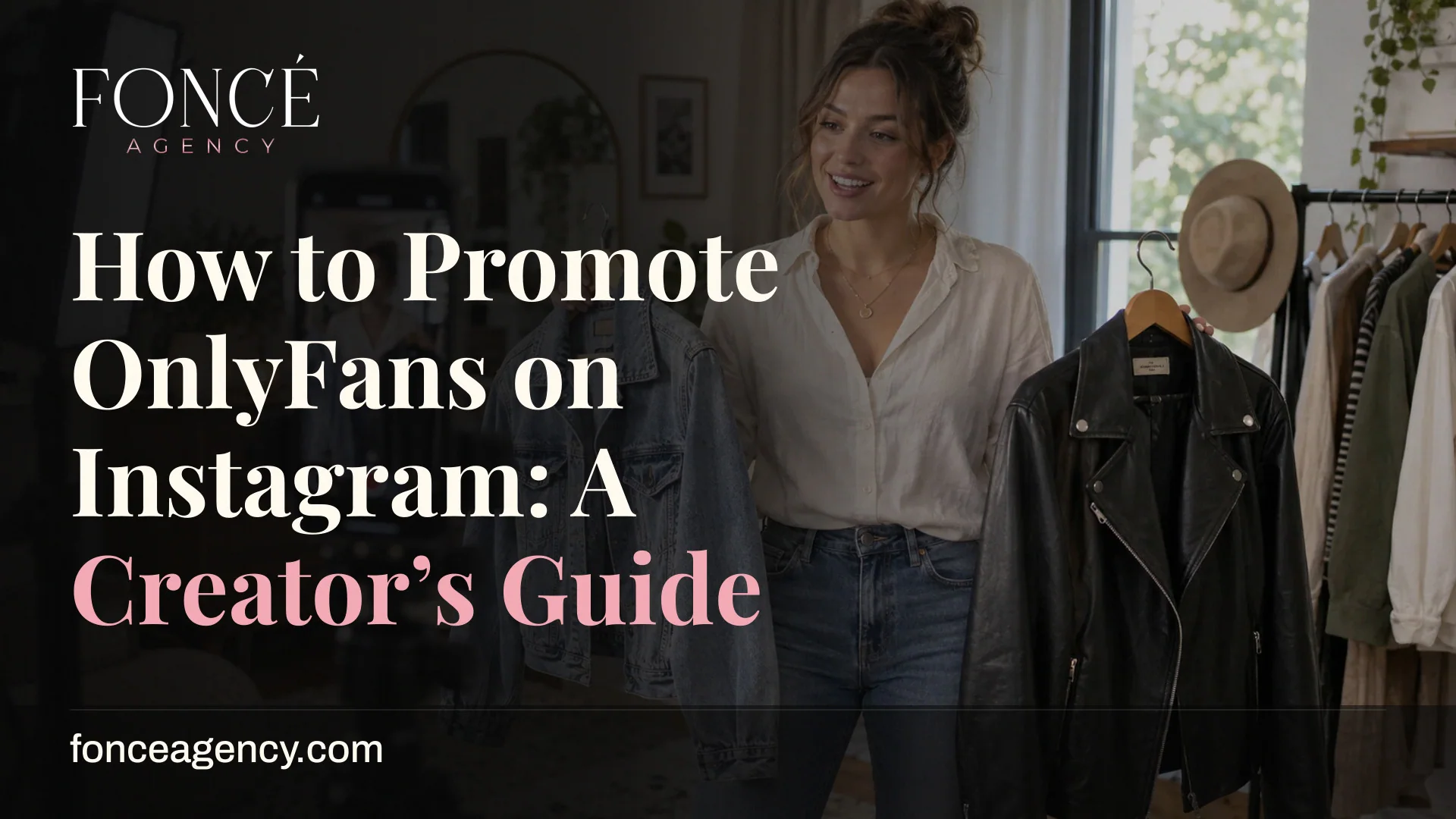
Give each clip a clear subject before you start filming. Suppose you enjoy styling clothes: record yourself choosing between two jackets, show the outfit you picked, and explain the detail that changed your mind. You have a small story to tell without spending the whole afternoon finding a trend.
Try a different opening on the next version of an idea you like. You could show the finished outfit first, or begin with the choice you found difficult. Keep enough of the subject the same to learn something from the comparison. Changing your topic, format and offer at once makes the result harder to interpret.
Save your own usable footage with labels you understand. A clip you cut from one edit might help illustrate a later story. Check that you have the rights and permissions for what you use, including music and anyone appearing in it. Re-editing an old clip does not give you a guaranteed distribution advantage.
In Ava Stone’s case study, our team reused and edited existing material to support publishing between filming sessions. That example shows one way to handle a production bottleneck. We have not isolated Instagram’s contribution to her earnings.
Choose a pace that fits your week
Start with the time you can reserve for filming and editing. Put those sessions on the calendar before choosing publication dates. Account for other commitments and leave space to redo an edit or replace a clip you decide not to share.
For a small trial, you might prepare two Reels from one filming session and share an informal update between them. This is a planning example, not an optimal frequency. Another creator might prefer a different pace. Choose a schedule you can complete, then review what it costs you in time.
Keep a short list of approved backup ideas for weeks when filming falls through. An answer to a common question or a fresh explanation of an older shoot can help, provided it fits your current public content. Our OnlyFans content calendar explains how to coordinate preparation and publishing without promising new footage each day.
Check what interested visitors do next
Record the results available to you for each content idea, including reach and profile visits. Keep any link activity or subscription outcomes separate so you know which source measured them. A profile visit, a link click and a paid subscription describe different actions; their counts may cover different people and dates.
Compare posts over a consistent observation window. Beside each result, note the subject, opening, publication date and any offer change. If you lower the subscription price during the same week, you cannot credit the Instagram edit alone for a change in sign-ups.
Look for the next problem you can inspect. People may watch a clip without visiting your profile; review whether they have a reason to learn more about you. If visitors follow the link but few subscribe, check the destination, offer and fit between what you promoted and what they find.
Small samples will fluctuate. Keep useful formats in rotation long enough to observe a pattern, and record uncertainty when you cannot attribute a result. You don’t need a claim about going viral to decide that a particular idea deserves another attempt.
Get help with the part you cannot maintain
If you can film but struggle to edit and publish, define that gap before hiring help. If you post without learning which ideas bring interested visitors, ask for help reviewing the results. A clear request makes it easier to compare the assistance you need with what a provider offers.
Ask who chooses ideas, approves captions and checks the published result. Agree which changes need your permission, and retain control over your public identity and boundaries. You should know what the team plans to post before it represents you.
FONCÉ’s OnlyFans marketing services explain how we approach creator promotion. If you want broader support, read our management approach and tell us what you handle today. Bring examples of content you enjoy making and the parts of the schedule you find hard to maintain.
Questions creators ask
Can a link-in-bio tool prevent an Instagram ban?
A link tool cannot guarantee that. Instagram’s rules still apply, and a separate destination does not make prohibited promotion acceptable. Use clear labels, check the current rules and avoid hiding the destination or trying to get around a restriction.
How often should an OnlyFans creator post on Instagram?
Choose a pace you can maintain with the time and footage you have. Instagram’s Best Practices hub provides account-specific guidance; compare that with your own results. A useful trial records your schedule and outcomes without treating another creator’s frequency as a guaranteed formula.
Sources reviewed
- Instagram’s Best Practices hub for creatorsMeta describes account-specific guidance covering creation, engagement, reach and platform guidelines.
- Meta’s recommendation guidelinesMeta explains why some content can remain available without qualifying for recommendations.
- Ava Stone’s FONCÉ case studyA creator example of using existing footage to support publishing between shoots. Individual results do not establish what another creator will earn.