How to Protect Your Identity as an OnlyFans Creator
A step-by-step guide to auditing your exposure, separating accounts, and closing the small gaps that lead to OnlyFans creator doxxing.

Jump to a section
Every OnlyFans creator shares the same quiet worry: what if someone figures out who I really am? The fear is understandable, but the exposure almost never comes from a sophisticated hack. It comes from small, ordinary slips: a username you've recycled across platforms, a photo with location data still attached, a mirror that caught a street sign, a tattoo visible in both your creator content and an old social media post.
Protecting your identity as a creator means closing those gaps methodically, in a specific order, before anything slips through.
This guide walks through that order, covering how to separate your personal and creator accounts, remove metadata and visual identifiers from your content, lock down your location and contact details, and monitor for leaks once you're live. None of this is legal advice, and no combination of steps guarantees complete anonymity. It's a practical playbook built from the patterns that come up repeatedly in creator protection work - the same small mistakes that, fixed early, prevent most identity exposure before it starts.
What Identity Protection Actually Means for OnlyFans Creators
Protecting your identity as a creator means breaking the links between your legal name, your face-linked personal life, your home location, and your creator persona. A stranger scrolling your content should have no reliable path back to the person you are offline.
This is different from two things people often confuse it with. It isn't the same as adjusting OnlyFans' built-in privacy settings, and it isn't the same as building an anonymity-first model where you never show your face. You can be a fully visible, successful creator and still keep your real-world identity completely separated from your content.
What is doxxing? Doxxing is the act of publishing someone's private identifying information - legal name, home address, employer, family members - without consent, usually with intent to harass or expose them. For creators, doxxing risk comes from two sources: public data (information already searchable about you) and content data (details embedded in or visible within your posts). Most successful doxxing relies on stitching together several small clues rather than one big leak. That's why a step-by-step audit works better than a single fix.
Step 1: Audit What's Already Public About You
Before you fix anything, map your exposure. You can't protect ground you haven't assessed.
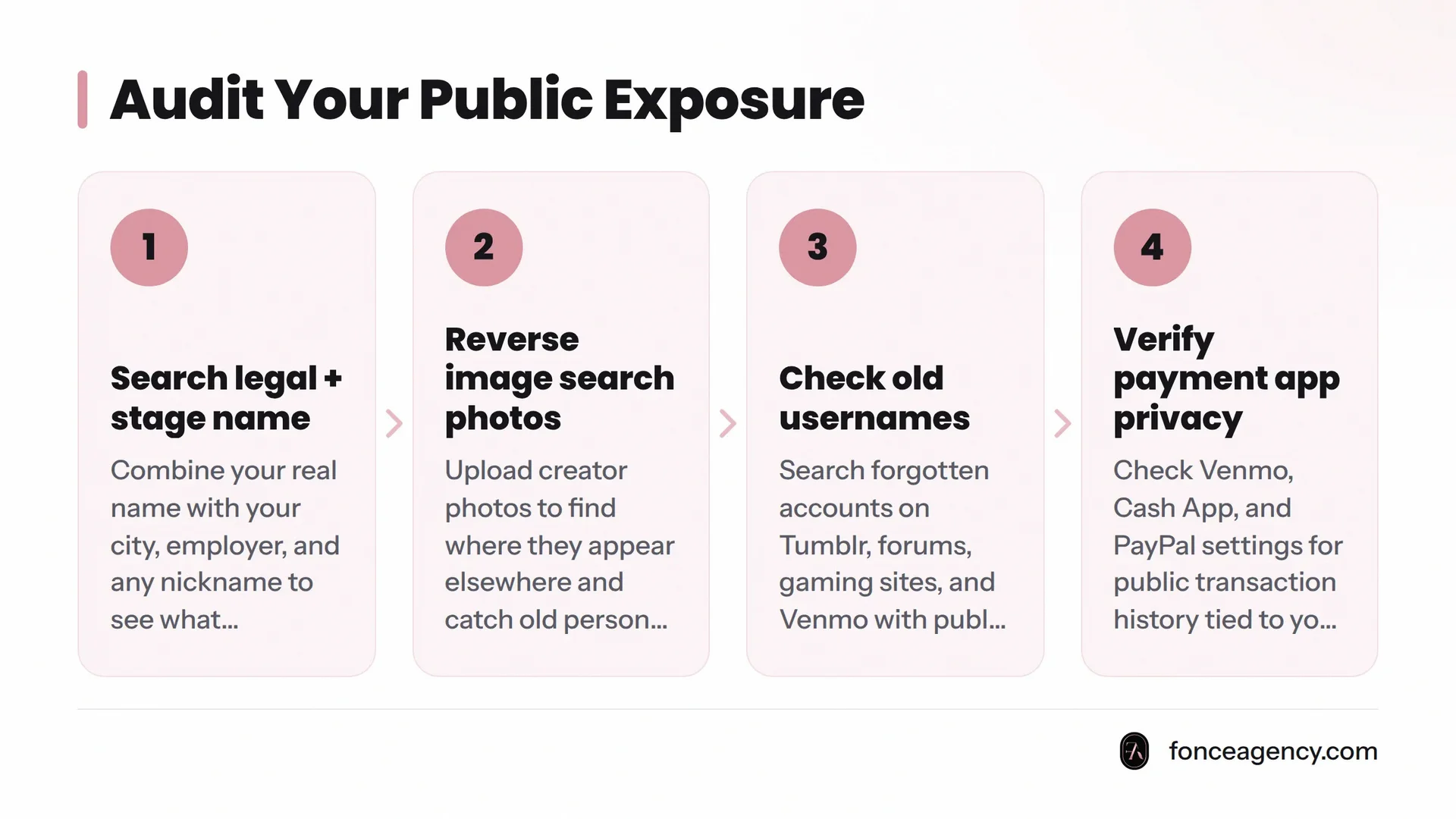
Search your real name and stage name together. Run a search combining your legal first and last name with your city, employer, and any nickname you've used online. Then search your stage name alone, and your stage name plus your legal name in quotes. The goal is to see what a motivated stranger would find if they tried to connect the two identities. Old yearbook mentions, school sports rosters, wedding announcements, and local news photo credits are common surprises.
Reverse image search your photos. Upload several creator photos, especially face-visible ones, to a reverse image search tool and see where else they appear. This catches two problems: unauthorized reposts of your content, and old personal photos (dating profiles, old social media, work headshots) that share a background, outfit, or setting with your creator content. If the same houseplant or wall art appears in both your private Instagram from five years ago and your OnlyFans content, that's a link worth closing.
Check old social accounts and forgotten usernames. Most people have a trail of accounts they forgot: a Tumblr from 2014, a gaming forum profile, a Venmo with public transaction history. Search your common usernames and emails across old platforms. Venmo in particular defaults to public transaction visibility in some settings, which quietly connects a legal name to a handle you thought was private.
Quick audit checklist:
- Search your legal name + stage name together in quotes
- Reverse image search your three most-used profile photos
- Check Venmo, Cash App, or PayPal for public transaction history tied to your name
- Google your old usernames and emails
- Check if your stage name is already in use elsewhere (helps you catch impersonation early)
Step 2: Separate Your Personal and Creator Accounts Completely
This is the single highest-leverage step, and the one most new creators skip because it feels like extra setup work early on. Every account you create for your creator business should start fresh, with no login, payment method, or recovery contact shared with your personal life.
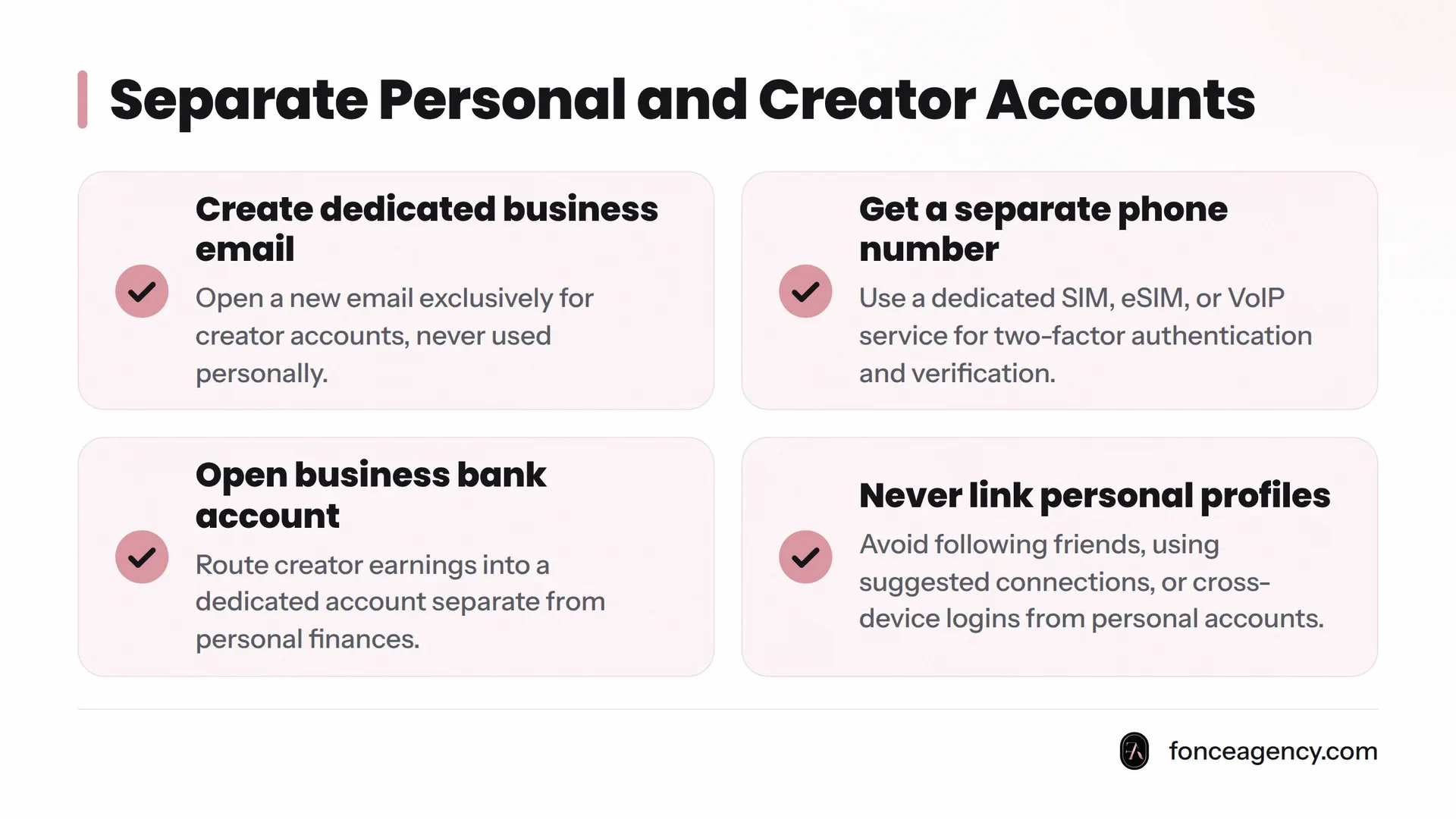
Create a dedicated business email. Open a new email address exclusively for your creator business - OnlyFans, social platforms, payment processors, nothing else. Never use this email for anything personal, and never use your personal email to recover or verify it. Password managers make this painless to maintain as the number of linked accounts grows.
Get a separate phone number. A second phone number, whether through a dedicated SIM, an eSIM, or a VoIP service, keeps your real number out of two-factor authentication prompts, payment confirmations, and any contact field a platform asks for. Phone numbers are one of the fastest ways stalkers and investigators cross-reference an identity, because so many services allow number-based lookups.
Open a business bank account for creator income. Route creator earnings into a dedicated business account rather than your personal checking. This does more than streamline bookkeeping - it means your bank statements, tax documents, and payout confirmations never sit next to your personal financial history, where a household member, roommate, or anyone with incidental access could connect the two.
Never link personal social profiles to the creator account. Don't follow personal friends or family from your creator account, don't use "Suggested Friends" features that pull from your phone contacts, and don't log into creator social accounts from a device that's also logged into your personal accounts. Platforms frequently suggest connections based on shared contacts, location, or device fingerprinting, which can surface your creator account to people who know your real name.
Step 3: Scrub Metadata, Backgrounds, and Visual Identifiers from Content
Most accidental exposure happens not through a hack, but through what's quietly embedded in or visible within a photo or video.
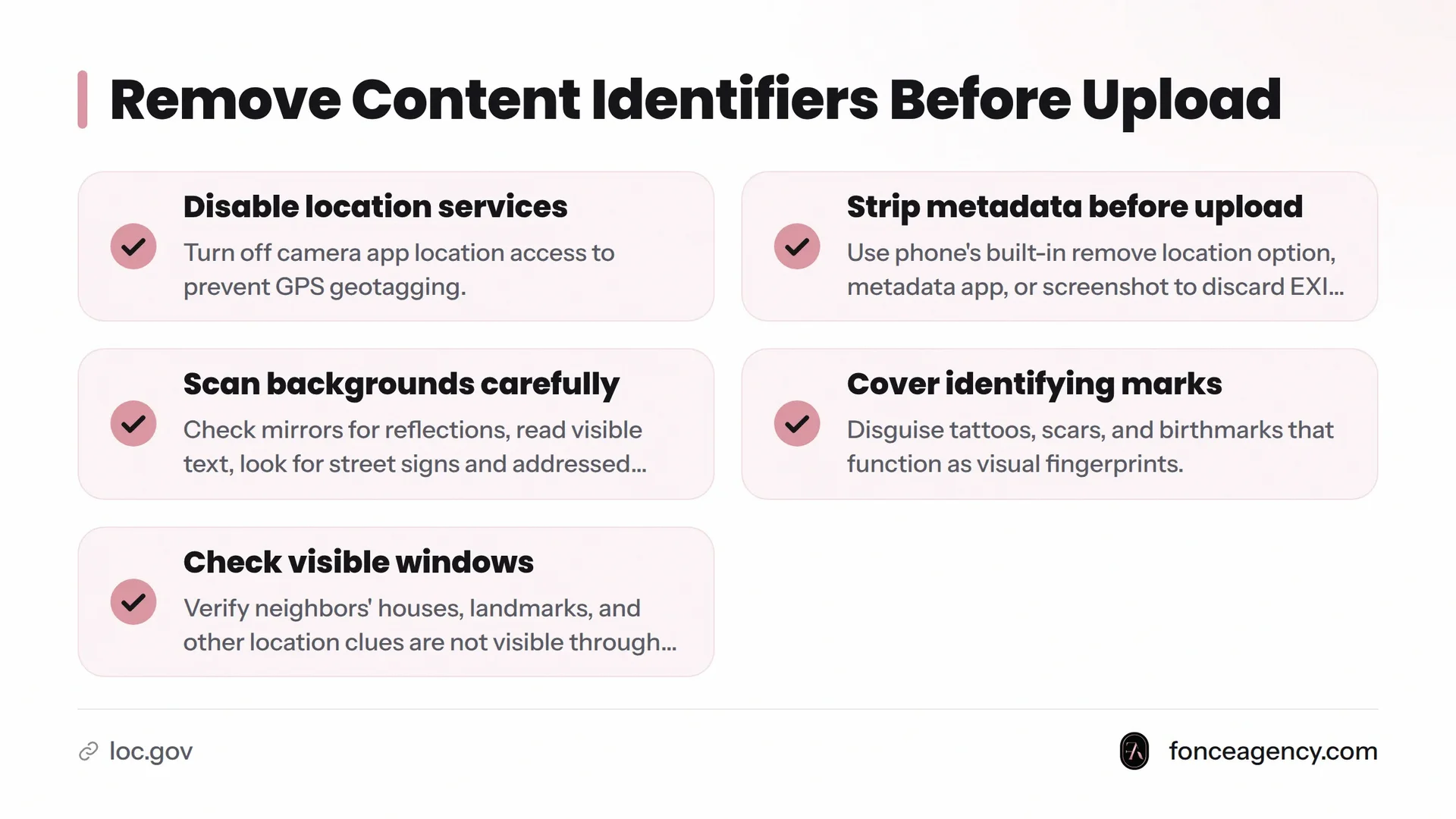
What EXIF metadata reveals. Most digital photos carry embedded data called EXIF (Exchangeable Image File Format) metadata, as documented by the Library of Congress's digital preservation standards. This layer can include the exact GPS coordinates where the photo was taken, the device model, and the date and time of capture. If you upload an unedited photo straight from your phone, that information can travel with the file, even if the platform's viewer doesn't display it to people looking at the post.
Remove geotags before upload. Geotagging happens when a camera or phone records GPS coordinates inside a photo's metadata at the moment of capture. The fix is straightforward: turn off location services for your camera app entirely. Before uploading any photo, strip its metadata using your phone's built-in share options (many phones offer a "remove location data" toggle), a dedicated metadata-removal app, or by taking a screenshot of the image, which typically discards the original EXIF data.
Scan backgrounds for mirrors, windows, street signs, mail. A common exposure pattern involves a visual detail the creator never noticed: a street sign reflected in a mirror, a piece of addressed mail on a counter, a neighbor's distinctive house visible through a window, or a parking permit sticker in a car. Before publishing, zoom into reflections, read anything with text on it, and check what's visible outside any window in frame.
Cover or disguise tattoos and distinguishing marks. Tattoos, scars, birthmarks, and other marks function like a visual fingerprint. If you have identifying marks and want to stay separated from your creator persona, your options include camera angles that consistently avoid them, makeup or body concealer for filming, or accepting that a mark may eventually need to be part of your public creator identity. There's no single right answer, only an honest tradeoff between coverage and consistency.
Be aware of voice as an identifier. Voice is a less obvious identifier, but it's real, especially for creators who've appeared in podcasts, voicemail greetings, work presentations, or local news clips under your legal name. Friends and family may recognize vocal patterns and speech habits even when your face isn't shown. If you're concerned about voice-based recognition, consider pitch-shifting audio in post-production, keeping spoken content more limited, or being mindful of who might recognize your voice.
| Identifying detail | Risk | Fix |
|---|---|---|
| GPS data embedded in photo | Reveals home or shoot address | Disable location services; strip metadata before upload |
| Mirror or window reflection | Shows street signs, neighbors, landmarks | Scan every reflection and window before publishing |
| Visible mail, packages, or IDs | Confirms name and address | Keep mail and personal items out of frame entirely |
| Unique tattoo or scar | Confirms identity to someone who suspects you | Use consistent camera angles or concealer |
| Reused username across platforms | Links creator account to old personal profiles | Create a fresh, unused handle per platform |
| Public Venmo or Cash App history | Connects legal name to creator payments or tips | Set transaction history to private; use separate account |
| Recognizable voice or speech pattern | Identifiable to people who know you personally | Consider pitch-shifting or limiting spoken content |
Step 4: Stop Reusing Handles, Usernames, and Payment Details Across Platforms
Why a unique handle per platform matters. Reusing the same username across Twitter/X, Reddit, OnlyFans, and payment apps creates a direct thread a motivated person can pull. Even a username that feels generic becomes a search term once someone has it, and search engines index far more than most people expect. Treat every platform as if it will eventually be searched against every other, because it will be.
Choose and protect a strong stage name. A strong stage name shares no syllables, spelling patterns, or obvious nicknames with your legal name, and isn't a variation you've used anywhere else online - no childhood nickname, no gamer tag, no email handle. Once chosen, register the same stage name across every platform you plan to use, even ones you're not active on yet, to prevent impersonation accounts from claiming it first.
Watermark carefully. Watermarking your content is a smart layer on top of all this, but it has to be done carefully. A watermark that includes your legal name, a personal logo tied to another business you own, or a font and placement style identical to content you've posted elsewhere under your real identity can undo the separation you just built. Keep the watermark tied only to your stage name and creator brand.
Step 5: Lock Down Your Real-Life Location and Contact Information
Use a VPN for account management. A VPN, or virtual private network, routes your internet connection through a server elsewhere, masking your actual IP address from the sites you use. For creators, this adds a layer of protection when logging into creator accounts, since an IP address can sometimes be cross-referenced with other data to approximate a general location. It's one layer among several, not a standalone fix, and works best alongside the account separation covered in Step 2.
Avoid location tags and check-ins. Skip geotagged posts, location check-ins, and background clues about your city or neighborhood. That includes local gym logos, regional accents in captions, and landmarks visible from your filming window. Creators sometimes assume sharing "based in the US" is safe, but specific city or neighborhood mentions narrow the search dramatically.
Use a PO box or mail-forwarding service. If you ever need to receive physical mail for your creator business - merchandise returns, fan mail, business correspondence - use a PO box or commercial mail-forwarding service instead of your home address. This keeps your residential address out of any paperwork, shipping label, or business registration tied to your creator identity.
Step 6: Monitor for Leaks and Impersonation on an Ongoing Basis
Protection isn't a one-time setup. It's a maintenance habit, the same way a business owner checks their books regularly.
Set up name-based monitoring. Use free name-alert tools - search engine alert services let you enter your stage name, legal name, and unique phrases from your bio - so you're notified automatically if either name appears somewhere new. This catches impersonation attempts, leaked content reposts, and doxxing attempts far earlier than discovering them yourself.
Repeat reverse image searches regularly. Run reverse image searches on a monthly basis if you're newer to the platform, quarterly once your presence is established and your content library is stable. This catches both content theft and any new instance of your face or content appearing where it shouldn't.
Know what to do if you find a leak. If you discover leaked content, an impersonation account, or evidence that your identity has been exposed, move quickly. The takedown process has specific steps and specific platforms respond faster than others. A professional guide to content protection walks through exactly how that process works once a leak has happened.
Here's a practical overview from a creator discussing direct harassment and unwanted contact:
Identity Protection Checklist
Use this as a running reference, revisiting every few months as your content output grows.
- Searched legal name + stage name together, and separately
- Reverse image searched your top profile and content photos
- Checked old usernames, forums, and payment apps for public history
- Created a dedicated business email used only for creator accounts
- Set up a separate phone number for creator accounts and verification
- Opened a business bank account for creator income
- Disabled location services for your camera app
- Stripped metadata from photos before every upload
- Scanned backgrounds for mirrors, windows, signs, and mail
- Decided on a consistent approach to tattoos or distinguishing marks
- Chosen a stage name unconnected to any past username or nickname
- Registered your stage name across all relevant platforms
- Watermarked content using only your stage name, never personal branding
- Set up a VPN for creator account logins
- Switched to a PO box or mail-forwarding service for business mail
- Set up name-based monitoring alerts
- Scheduled recurring reverse image searches
Frequently Asked Questions
How can OnlyFans creators protect their real identity online? Separate every account, device login, email, phone number, and bank account used for your creator business from your personal life. Strip metadata and location data from every photo before posting. Check backgrounds for identifying details. Monitor regularly for leaks or impersonation using name alerts and reverse image search.
What does it mean to protect your identity as a content creator? It means preventing a stranger from connecting your creator persona back to your legal name, home location, employer, or family, through either public records research or details embedded in your content itself.
Do I need a separate business bank account as a creator? Yes. A dedicated business bank account keeps your creator income separate from your personal financial history, which matters for identity separation and clean bookkeeping at tax time.
What is image metadata (EXIF) and why does it matter? EXIF is data automatically embedded in a photo file by the camera or phone that captured it, often including GPS coordinates, device model, and timestamp. It matters because that data can reveal a creator's location even when the photo itself shows nothing identifying.
How do I remove metadata from photos before posting? Disable location services for your camera app. Use your phone's built-in "remove location data" option when sharing a photo, use a dedicated metadata-stripping app, or take a screenshot of the image before uploading, since screenshots typically don't carry the original file's EXIF data.
What is geotagging and how does it expose my location? Geotagging is when a device records GPS coordinates inside a photo's metadata at the moment it's captured. If that metadata travels with the uploaded file, anyone who downloads and inspects it can see the exact coordinates of where the photo was taken.
Should I cover my tattoos or distinguishing marks in content? If a tattoo or mark is visible elsewhere under your legal name, covering it or filming around it reduces the chance someone can confirm your identity through that detail. If full concealment isn't practical, be aware it's a tradeoff you're accepting rather than a risk you've closed.
Can my voice give away my identity? Yes. People who know you personally can often recognize speech patterns, accents, and vocal habits even without seeing your face. Pitch-shifting audio or limiting spoken content reduces this risk.
Why shouldn't I reuse the same handle across platforms? A reused username creates a searchable thread between accounts, old and new, personal and creator, that a motivated person can follow from one platform to the next.
Is using a VPN necessary for creators? It's not strictly required, but it adds a useful layer of protection by masking your IP address during account logins and management, especially when combined with separated accounts and devices.
What should I do if I think I've already been doxxed? Document everything (screenshots, URLs, dates), stop posting from any exposed accounts temporarily, and move quickly on takedown requests for any leaked personal information.
How often should I re-audit my own public footprint? A quarterly reverse image search and name-alert review is a reasonable baseline for most active creators, more frequently in the first few months after launch when your digital footprint is still settling.